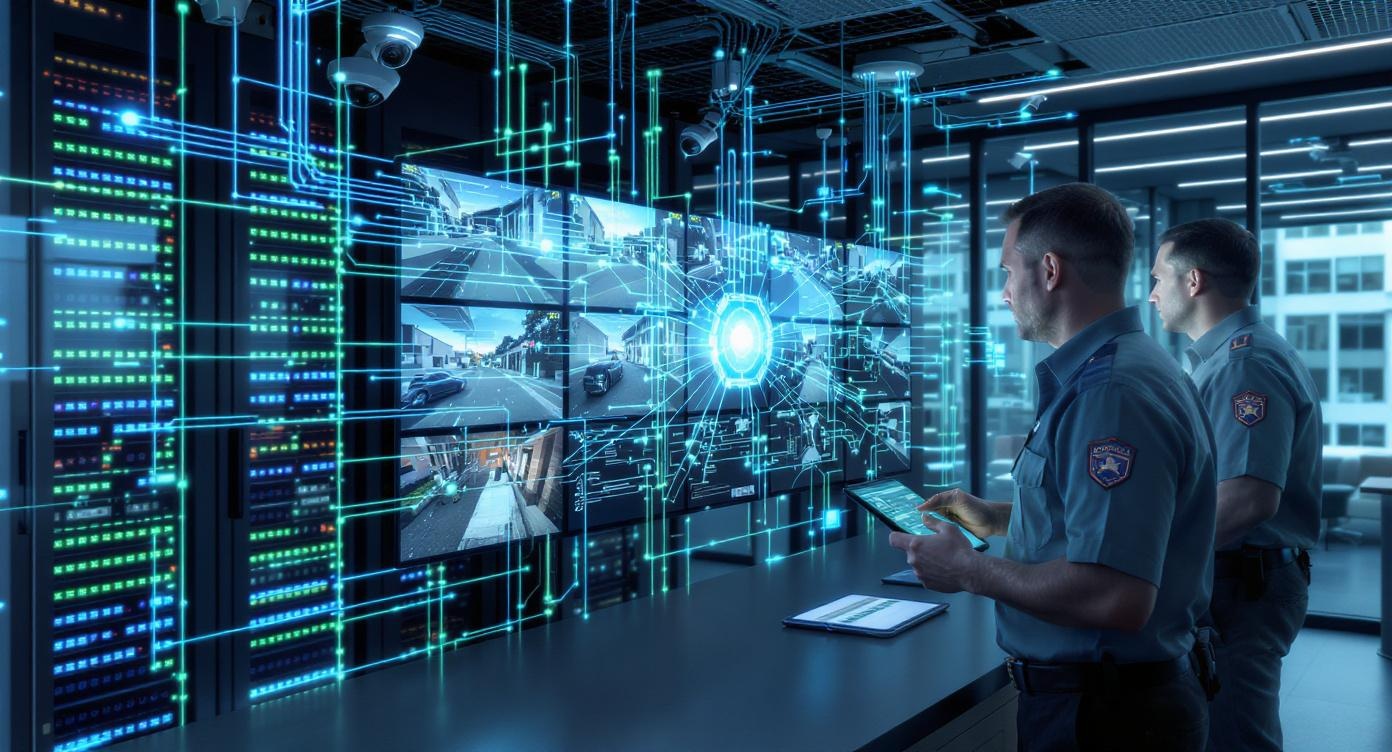
Why Network Design Is the Hidden Foundation of Video Security Systems
When a video security system fails or performs poorly, the cameras usually aren’t the problem. In fact, more than 80% of video security issues are caused by network design, configuration, or user-related network errors, not camera hardware.
At Vulcan Security Systems, we design and support IP video systems every day in industrial and commercial environments. Over and over, we see the same pattern: cameras get blamed, replaced, or adjusted when the real issue lives in the network underneath them.
In this article, we’ll explain why network design matters so much, the most common mistakes we see, and how to think about networks the right way when planning a video security system.
When Video Security Systems Fail, How Often Is the Network the Real Problem?
In our experience, well over 80% of video system failures trace back to the network. That includes cabling issues, switch problems, firewall settings, bandwidth limitations, or simple user error. Actual camera failures are rare.
How Does a Network Actually Relate to Video Cameras?
IP cameras are network devices, just like computers or phones.
An IP camera isn’t a standalone piece of equipment. It’s a network appliance. It lives on the same type of infrastructure as servers, VoIP phones, printers, and workstations. If you understand that basic idea, everything else starts to make more sense.
The camera depends on the network to:
- Stream video
- Record video
- Deliver alerts
- Allow remote viewing
- Stay online consistently
If the network struggles, the camera struggles. There’s no way around it. This is why treating video as “just cameras” instead of a networked system causes so many long-term issues.
Common Network Design Mistakes in Video Security Systems
A common thing we see is forcing video systems to fully live on someone else’s network without proper separation.
One of the biggest challenges in larger facilities is that the video system often has to ride on existing network infrastructure, especially when there’s fiber between buildings. That’s unavoidable in many cases. But how it’s done makes all the difference.
No dedicated video switch
Our strong preference is always to give the video system its own network switch. That switch can connect to the client’s network, but the cameras themselves live on dedicated hardware.
Why this matters:
- Troubleshooting is faster and cleaner
- We can directly connect a PC to the video switch
- We can quickly determine whether the issue is the video system or the client’s network
Overloading IT teams
IT teams are busy; whether IT is in-house or outsourced, they usually have far more critical priorities than a camera feed that’s buffering or dropping frames. Their job is to protect the network, keep systems secure, and support the entire organization.
That’s why we go out of our way to maintain good relationships with IT teams. Video and IT are interdependent. When the network is designed correctly, those relationships are smoother, and everyone wins.
How Network Performance Affects Video Quality and Reliability
Network performance impacts resolution, frame rate, and system stability. Video quality isn’t just about the camera. It’s about what the network can realistically handle.
Two major variables matter most:
- Resolution
- Frame rate
Crank both up too high, and you put unnecessary stress on the network. Even modern networks with the fastest switches can struggle if everything is maxed out without planning.
We often compare this to a high-performance car. Just because you own a Ferrari or a Corvette doesn’t mean you drive it at redline all day. If you do, something is going to fail. Cameras work the same way. High-end cameras still need responsible configuration based on the network they live on.
Cloud Video, Internet Speed, and Costly Surprises
Cloud video can expose network weaknesses very quickly.
We have seen several examples that highlight this perfectly. Consider a business that replaced an existing video system with a cloud-based solution. They reused the existing cabling, which seemed reasonable. What they didn’t account for was internet upload speed.
Once the new system was live, it became clear that the internet connection couldn’t support the cloud video load. The result was an unexpected fiber install that likely cost tens of thousands of dollars. What should have been a straightforward upgrade turned into a major infrastructure expense.
This is why internet speed and bandwidth must be evaluated early, especially with cloud-based video systems. Upload speed actually often matters more than download speed, and many facilities are not designed with that in mind.
Should You Design the Network Around the Video System?
Short answer: You start with the right video system, then verify the network can support it.
At Vulcan, we come in with a preferred video solution based on the client’s needs. One of the first steps in our proposal process is confirming that the network infrastructure can handle that system.
That includes:
- Switch capacity
- Bandwidth
- Cabling quality
- Internet speed
- Firewall considerations
This upfront validation prevents surprises later. If upgrades are needed, it’s far better to know before installation than after cameras are already mounted.
Storage, Recorders, and Throughput Still Matter
Storage performance is tied directly to network performance. Network-attached storage and video recorders are throughput-driven devices. If they’re undersized or poorly matched to the camera load, they become bottlenecks.
Even with a solid network, the wrong recorder can cause:
- Dropped frames
- Recording gaps
- Slow playback
- System instability
This is why proper specification matters. The network, cameras, and storage all need to work together as a system, not as isolated components.
Wi-Fi, Remote Viewing, and Reliability
Wired networks are still the most dependable option.
When people hear “network,” they often think about Wi-Fi. Wireless performance does matter, especially for remote viewing and cloud access. But for cameras themselves, wired connections are still the most reliable approach.
Wi-Fi can be useful in limited situations, but it introduces variability that wired connections simply don’t. For mission-critical security systems, stability matters more than convenience.
If Your Network Isn’t Ready, Your Video System Will Fail
If there’s one takeaway, it’s this: video security systems are only as reliable as the networks they run on.
Most video failures are not camera failures. They are network design issues that show up later as blurry video, dropped feeds, slow response times, or constant troubleshooting. A properly designed network doesn’t draw attention to itself. It just works in the background, quietly supporting the system.
When planning a video security system, or replacing guards with AI-powered video, network design isn’t a technical afterthought. It’s the foundation. Get it right, and the system performs the way it should. Get it wrong, and even the best cameras won’t save you.
If you’re unsure whether your current network can support a modern video security system, the smartest next step is to validate it before making changes. It’s far less expensive than fixing problems after the fact.