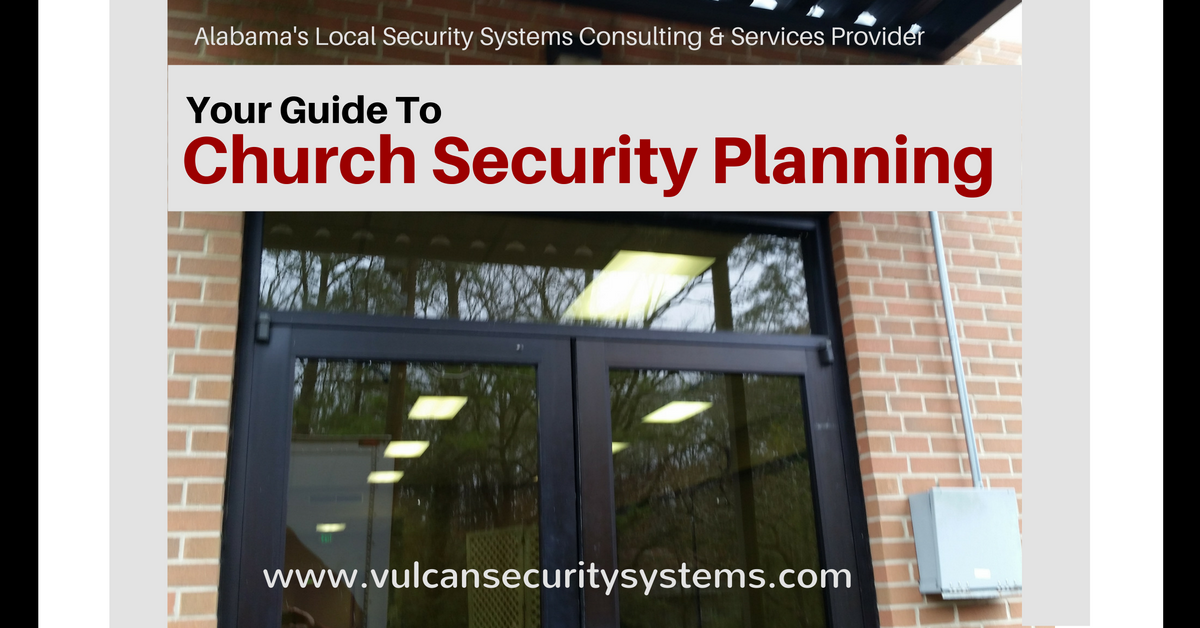
Your Guide to Church Security Planning
Churches have always been places of peace, but today’s world demands proactive safety planning. Whether you’re a large congregation or a small community church, having a clear, actionable security plan ensures that worship remains safe, welcoming, and protected.
This guide walks you through the essential steps for building a 360° church security strategy, from defining your objectives to choosing the right technology, forming a security team, and maintaining policies that actually work.
Why Church Security Planning Matters
Unfortunately, churches are no longer immune to the same risks facing schools, workplaces, and other public facilities. From theft and vandalism to emergencies and active threats, incidents happen when there’s no plan in place.
A well-structured plan helps you:
- Protect your congregation, children, and staff.
- Respond quickly to emergencies.
- Prevent small issues from becoming crises.
- Use your budget effectively with the right technology mix.
At Vulcan, our perspective comes from decades in IP video and AI-powered monitoring, so our guidance leans heavily on proactive systems, remote visibility, and real-time awareness. We believe good planning combines human readiness with smart technology.
1. Define Your Security Objectives
Before buying equipment or hiring security, ask one key question:
What are we trying to protect—and why?
Your objectives should include:
- Children and youth safety (nursery, daycare, and classrooms)
- Congregation and visitor safety during services
- Staff and volunteer safety throughout the week
- Church assets (buildings, finances, and IT systems)
Each objective may require a different approach. For example:
- Access control in nursery areas
- Open but monitored worship spaces
- Secure staff areas during non-worship hours
Start with leadership. Senior pastors, administrators, and key lay leaders should define these objectives, then empower a security team to build the tactical plan.
As a church administrator you want to proactively present common emergencies from turning into a crisis, and you want to stop something bad from happening, if it is preventable.
Jason Maddox, CEO, Vulcan Security Systems
2. Form a Church Security Team
Every good plan needs champions. Your security team should include:
- Team Leader: The “owner” of your plan who ensures consistency and training.
- Physical Security Expert: Someone familiar with facility layouts and potential weak points.
- Electronic Security Specialist: A partner or vendor experienced in commercial-grade video and access systems.
- Policy & Procedure Coordinator: Handles documentation, compliance, and updates.
- Staff Liaison: Communicates security priorities to church staff and volunteers.
Security experience is helpful but not required, the key is commitment and coordination.
3. Assess Your Facility: Ingress, Egress & Access Control
Start by mapping every entrance and exit, including service doors, staff entrances, and lesser-used exits.
Steps to take:
- Limit access points during non-service hours.
- Physically monitor or secure all active doors during worship.
- Create a door schedule for locking/unlocking routines.
- Install access control systems at main and sensitive doors.
Lockdown systems are especially critical for facilities with daycare programs or weekday ministries. Simple interior deadbolts may suffice for smaller churches, while larger facilities benefit from electronic lockdown systems that can be triggered remotely.
4. Add High-Definition Video Surveillance
Video is your 24/7 visual accountability system.
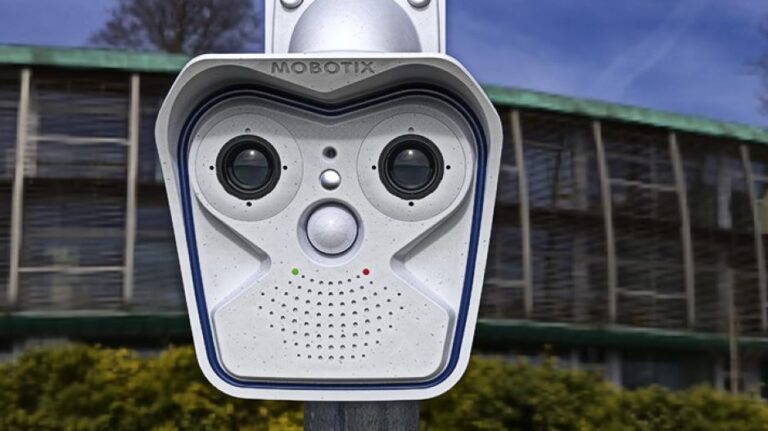
Today’s IP video cameras deliver HD or even 4K clarity with remote access and smart analytics.
Recommended camera locations:
- Main entrances and exits
- Children’s areas and nurseries
- Drop-off and pickup zones
- Parking lots and vehicle entrances
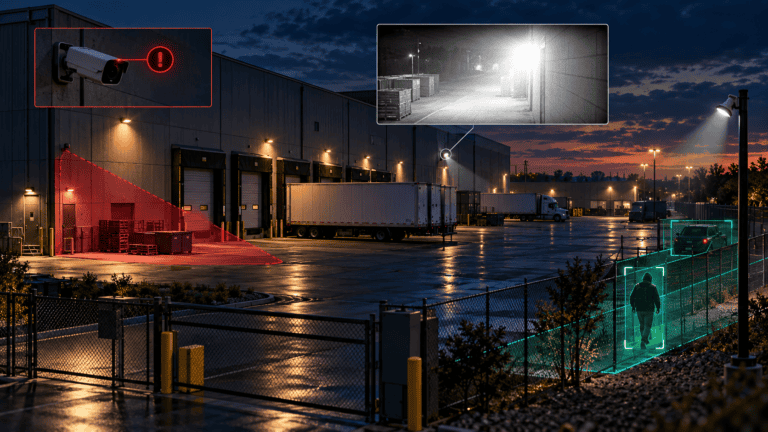
Modern surveillance systems can detect motion, recognize faces, and trigger alerts, giving you real-time awareness without needing an on-site guard.
5. Build an Emergency Communication Plan
Emergencies unfold fast. A clear communication plan keeps chaos from spreading.
Include in your plan:
- A laminated contact list with staff, leadership, and emergency numbers in every classroom and office.
- 2-way radios for internal communication (especially where cell service is weak).
- “Panic button” technology in administrative offices and key hallways.
- A building-wide intercom or PA system for announcements during crises.
Train staff and volunteers on how and when to communicate. In an emergency, no one should be asking who to call or what to do.
Timely communication with emergency personnel and key church staff is critical in any emergency. Have a plan in place for handling emergencies so that no one has to stop and ask what to do or who is supposed to handle a particular action.
Jason Maddox, CEO, Vulcan Security Systems
6. Write and Maintain Security Policies & Procedures
Your written security policy is the backbone of your plan. It should outline how to handle:
- Weather and medical emergencies
- Domestic disputes or disturbances
- Active threats and lockdowns
- Field trip and childcare protocols
- Reporting vandalism or suspicious behavior
If you don’t have a policy yet, start by collaborating with similar-sized churches or consulting a professional.
Once finalized, train all staff and volunteers, because even the best policy fails if no one knows what it says.
7. Plan for Staffing and Large Events
Larger events (holidays, concerts, outreach programs) bring higher risk.
Options for event security include:
- Trained volunteers from your congregation
- Hired professional security staff
- Off-duty police officers (a good option for visibility and deterrence)
Even volunteers must understand the chain of command and your emergency procedures.
8. Schedule Regular Audits and Training
Security isn’t “set it and forget it.” At least once a year:
- Review and update your plan.
- Test all security equipment.
- Re-train staff and volunteers.
- Evaluate any incidents or near misses.
Monthly “mini-checks” (verifying camera feeds, locks, and communication tools) help ensure your technology is working when it matters most.
9. Case Study: What Works in Real Churches
One of our client churches in North Central Alabama implemented this approach:
- Installed HD video surveillance at key entrances and childcare areas.
- Added panic buttons and intercom systems.
- Installed deadbolts in classroom doors.
- Introduced electronic access control.
- Created a door schedule and policy manual.
The result: fewer security gaps, improved staff confidence, and faster emergency response.
Security is a Ministry of Stewardship
Every church is unique, but safety planning isn’t optional.
A proactive approach protects people, preserves peace, and shows responsible stewardship of the resources God has entrusted to your leadership.
At Vulcan Security Systems, we help churches design video-first, AI-supported security solutions that fit their space, culture, and budget.
Schedule a free church security consultation today to evaluate your current setup and identify ways to improve protection and response.