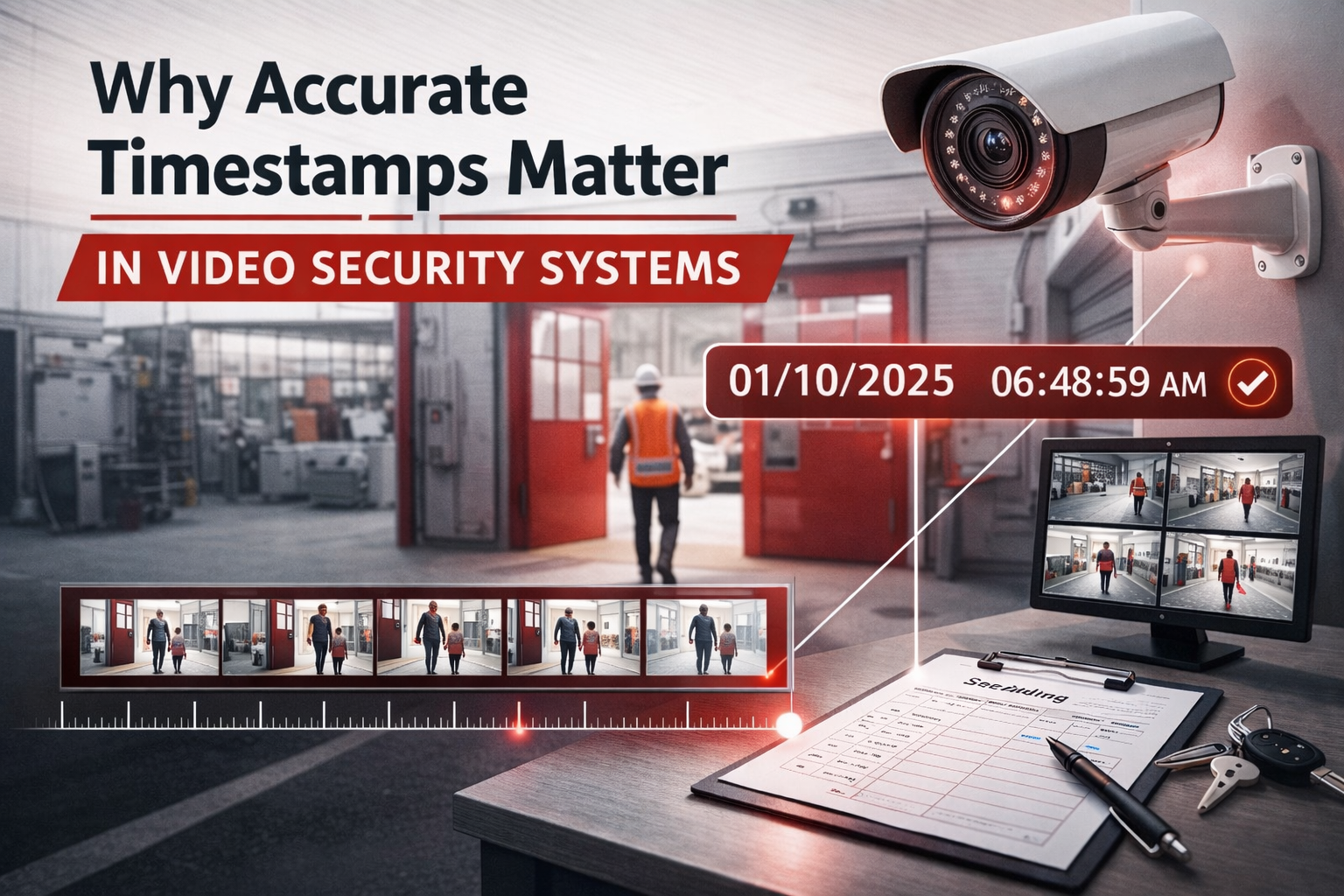
Why Accurate Timestamps Matter in Video Security Systems
If your video timestamps are wrong, your footage may be useless.
That’s not an exaggeration. It’s something we see more often than most people realize, usually at the worst possible time, after a theft, an injury, or an incident that needs to be reviewed quickly and accurately.
At Vulcan Security Systems, we review video footage regularly for investigations, insurance claims, and internal reviews. One of the first things we check is not the picture quality or the camera angle. It’s the timestamp.
In this article, we’ll explain why accurate timestamps matter, what causes them to get out of sync, and how to prevent a small technical issue from becoming a big problem.
Why Timestamps Are Critical to Video Integrity
A timestamp answers one basic question: when did this happen?
Without a reliable date and time, video footage loses much of its value. You may still be able to see what occurred, but you cannot confidently tie it to a specific event, report, or claim.
Accurate timestamps are what allow video to be used for:
- Investigations
- Insurance and workers’ compensation claims
- Legal review
- Internal accountability
- Incident reconstruction
If the time is wrong, everything built on that video becomes questionable.
What Happens When Video Time Is Wrong
This is where problems start.
A common scenario looks like this: You know an incident happened on Tuesday. You pull video from Tuesday, but the timestamps don’t match. The footage shows a different date, a different time, or something that does not line up with reality.
Now you are guessing.
You may spend hours searching footage. You may pull the wrong clip. Or worse, you may not be able to confidently say which video actually shows the incident in question.
At that point, the video has lost its usefulness, even though the camera was recording the entire time.
Why Incorrect Timestamps Can Make Video Unusable in Court
From a legal or insurance perspective, timestamps matter even more.
Courts, insurers, and investigators rely on consistency. They expect video timestamps to align with:
- Incident reports
- Police reports
- Access logs
- Witness statements
- System records
If a video claims to be from a different date, or a time that clearly makes no sense, its credibility is immediately questioned. In some cases, the footage is dismissed entirely.
Even if the content of the video looks legitimate, inaccurate timestamps can undermine its integrity. That creates unnecessary risk during claims, disputes, or legal proceedings.
Common Reasons Camera Timestamps Get Out of Sync
Most timestamp problems are not mysterious. They are usually tied to setup, network issues, or power interruptions.
Common causes include:
- Network or internet outages
- Cameras not properly linked to a time server
- Power loss followed by improper restart behavior
- Manual time settings entered during installation
- Systems that do not automatically resync after downtime
- Older or poorly designed system architecture
- Hardware or environmental issues that affect electronics
In many cases, cameras continue recording normally. The only thing that is wrong is the time. That makes the issue harder to notice until something goes wrong.
Why “Install It and Forget It” Does Not Work
Security systems are not install-it-and-forget-it technology.
Cameras can drift over time. Networks change. Power goes out. Internet connections reset. When that happens, timestamps can drift or reset without anyone realizing it.
The system still looks like it is working. Video is still recording. But technically, it is no longer reliable.
That is why we believe reactive security is not enough. If nobody is checking the system, small issues can quietly turn into big ones.
How to Catch Timestamp Problems Before They Matter
Checking timestamps should be part of regular system checks.
At a minimum, that means confirming:
- The camera is recording
- The timestamp is correct
- The camera is still pointed where it should be
These checks do not need to be complicated. Monthly reviews are usually enough to catch most issues before they become serious.
The key is consistency. If nobody owns the responsibility of checking the system, problems go unnoticed.
Can You Fix Timestamp Issues Yourself?
Sometimes, yes.
If your system is set up correctly and you have someone on staff who is comfortable with basic technology, timestamp issues can often be resolved internally. That might involve reconnecting to a time server or rebooting a device properly.
However, not every system is simple, and not every organization has the time or expertise to troubleshoot these issues consistently.
The bigger risk is not whether you can fix it. The risk is that no one notices the problem at all.
When to Call Your Security Provider
You should involve your security provider if:
- Timestamps do not automatically resync
- Issues keep coming back after outages
- Multiple cameras are affected
- You are unsure what caused the problem
In many cases, issues can be diagnosed and resolved remotely without sending a technician on-site. Remote support allows providers to review system settings, confirm time synchronization, and fix problems quickly.
If remote support cannot resolve the issue, a service visit may be required. Either way, early intervention prevents larger problems later.

The Bigger Picture: Proactive Security Protects More Than Assets
Inaccurate timestamps do not just affect theft investigations.
They can impact:
- Workers’ compensation claims
- Safety incident reviews
- Insurance disputes
- Internal accountability
- Legal exposure
These situations are already stressful. Discovering that your video footage cannot be trusted only makes them worse.
Proactive security practices reduce that risk.
Don’t Overlook the Timestamp
Accurate timestamps are not a nice-to-have feature. They are foundational to usable video.
If your system records footage that cannot be confidently tied to real events, the system is not doing its job, even if the cameras appear to be working.
The takeaway is simple:
Check your timestamps. Ask your provider how time synchronization is handled. Treat accuracy as essential, not optional.
That attention to detail is what separates reactive security from security that actually works when it matters most.