Reducing Lost Inventory in Warehouses Using Video Analytics
Video analytics reduces lost inventory in warehouses by watching the places where stock actually disappears. AI cameras flag pallets removed from a zone without a reason, people lingering in high value areas, and vehicles leaving the yard at odd hours. The system saves every event as a timestamped clip. As a result, a missing pallet becomes a quick, targeted search instead of days of guessing.
Vulcan Security Systems designs and installs AI-powered IP video systems for warehouses and distribution centers across Alabama. In this article, we cover where missing stock really comes from and which analytics catch each cause. We also explain how to set a system up and where cameras stop being useful.
Where Lost Inventory Really Comes From
Most warehouses treat missing stock as a theft problem. In practice, it is usually a mix of four things. Outside thieves take part of it. Employees walk off with part of it. Shipping mistakes send more to the wrong customer. The rest gets misplaced, damaged, or never arrives in the first place.
Each cause leaves a different trail. Outside theft shows up at night on the perimeter. Internal loss shows up near cages and exits during shifts. Errors show up at the dock. For that reason, a single camera over the front door does very little. The goal is to put the right analytics at the points where inventory changes hands or sits unattended.
That challenge is growing in Birmingham. For example, Coca-Cola Bottling Company United recently completed a new headquarters and distribution center near the airport. The 106-acre site along I-59/20 represents a $330 million investment. Larger, busier buildings mean more places for stock to slip through the cracks.
The Most Common Causes of Inventory Loss and How Video Analytics Catches Them
Pallets Removed From a Zone Without a Reason
Removed object detection flags an item that leaves a monitored area. You define the zone, such as a high value cage or a staging lane. When a pallet disappears from that zone outside normal workflow, the system sends an alert with the clip.
This works best for areas where stock should sit still. On a busy pick face, items move all day, so the rule would fire constantly.
Freight Left Out Where It Should Not Be
The same technology works in reverse. Abandoned object detection flags items left in an aisle, by a side door, or outside after the shift ends. Freight staged near an exit overnight is an easy target. An alert at the end of the shift gives the team time to move it inside before they leave. Likewise, a pallet parked in the wrong aisle is how stock goes “missing” inside its own building.
Abandoned object alerts also help with housekeeping. Pallets left in fire lanes or in front of exits are a safety problem as well as an inventory one. In practice, the same alert solves both.
People Lingering in High Value Areas
Loitering detection alerts when someone stays in a sensitive area longer than a set time. A picker passing through a cage is normal. On the other hand, someone standing there for ten minutes at the end of a shift is worth a look.
We find this one especially useful for internal loss. It does not accuse anyone. Instead, it gives a supervisor a reason to review a clip before a pattern turns into a real loss.
After-Hours Entry Into the Yard or Building
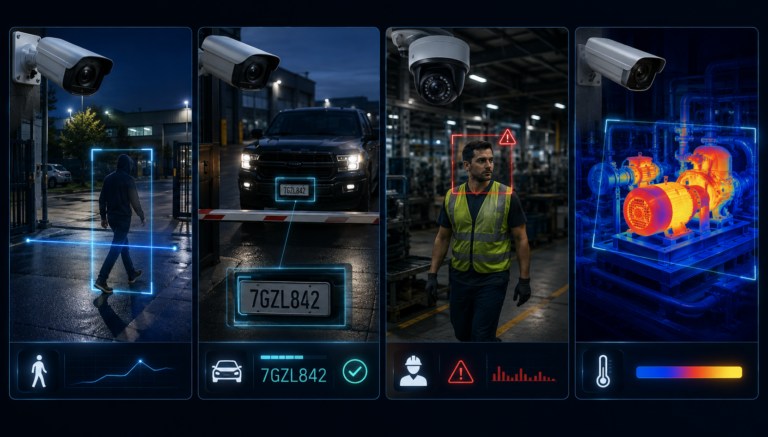
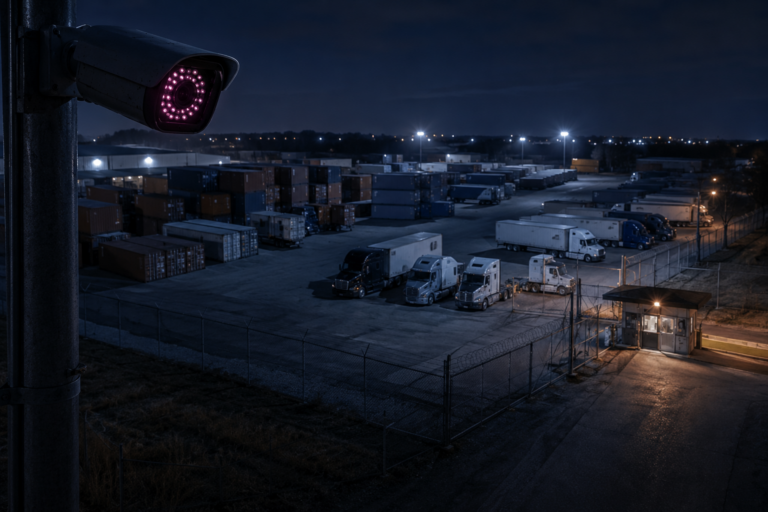
Perimeter intrusion detection draws a virtual line around the yard, fence, or building. When a person or vehicle crosses it after hours, the system alerts right away. With our 24/7 monitoring, an operator can then issue a voice-down warning or call for dispatch.
AI tells people and vehicles apart from animals and blowing debris. As a result, false alarms drop sharply compared with basic motion detection.
Vehicles Leaving With More Than They Should
License plate recognition logs every vehicle at the gate. If stock goes missing, you can see which vehicles left during that window. This includes personal cars parked close to a side door, which is a common route for internal theft.
Plate data also helps with carriers. If a driver disputes a pickup, the gate log shows exactly when the truck arrived and when it left.
Stock That Was Never Really Received
Some shortages start at the receiving door. A carrier drops eleven pallets, the paperwork says twelve, and nobody notices until a count weeks later. By then, it is too late to file a claim.
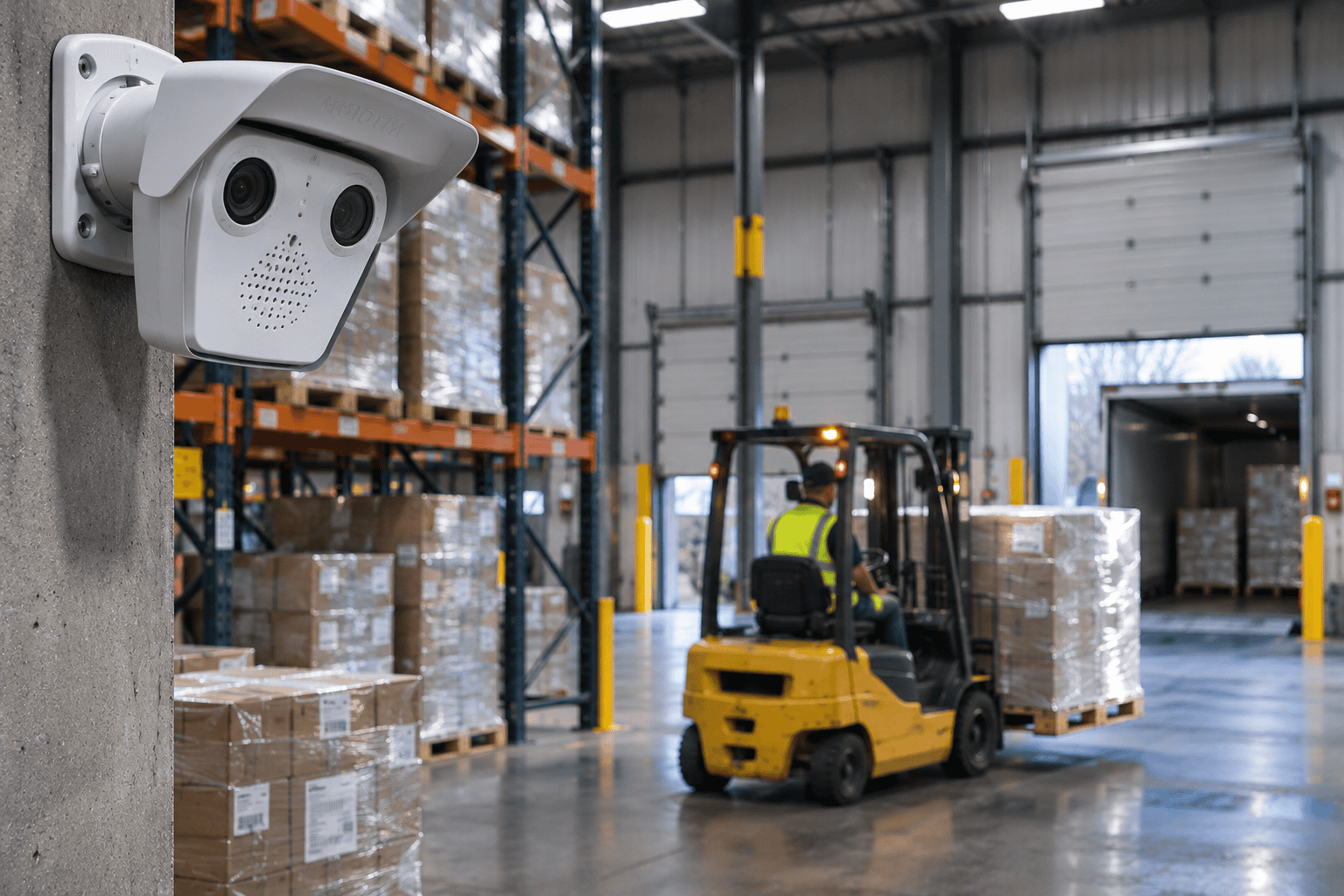
A camera over each receiving door keeps a timestamped record of every unload. In addition, people counting and vehicle detection log who and what came through that door. When a count comes up short, you can check the unload clip instead of arguing over paperwork.
Wrong Labels and Mis-Shipments
Not every loss is theft. OCR reads labels, serial numbers, and inventory tags in the camera frame. Therefore, it can confirm that what is going out matches what should be going out. We cover this in detail in our post on how AI cameras verify shipments before they leave the facility.
Mis-shipments are worth tracking separately from theft. They usually point to a process problem, such as similar labels or a rushed staging lane. Fixing the process stops the loss for good, which is rarely true of theft.
How to Set Up Video Analytics to Reduce Lost Inventory
Good results come from setup, not software. Here is the order we follow on a typical warehouse project:
- Start with your loss data. Look at cycle count gaps and write-offs. Find which products, areas, and shifts show up most.
- Map the handoff points. Receiving, cages, staging lanes, dock doors, and exits are where inventory changes hands.
- Match one rule to each point. Use removed object detection on cages, loitering on high value areas, and perimeter rules on the yard.
- Decide who gets each alert. Operations should get workflow alerts. Security or a monitoring center should get after-hours alerts.
- Tune over the first few weeks. Adjust zones and time limits until alerts reflect real problems, not normal work.
Some analytics need specific camera models, so we plan capabilities and cameras together. Our AI camera capabilities page lists what is available today. In addition, processing runs on the camera itself, so your footage stays on your network.
Finally, tell your team what the cameras watch and why. In our experience, clear communication cuts internal loss on its own. People act differently when they know a cage or exit is monitored. It also avoids the trust problems that come from cameras nobody explained.
Video Analytics vs. Cycle Counts: When to Use Each
Cameras do not count your inventory. Your warehouse system and cycle counts still tell you what you should have. Video analytics tells you what happened when the numbers do not match.
- Cycle counts find the gap. However, they rarely tell you when or how it happened.
- Video analytics narrows the search to a zone and a time window. Then a clip shows the cause.
- Together, they turn a write-off into a fix, such as a process change, a training talk, or a police report with evidence.
If your losses are small and spread evenly, better processes may help more than cameras. But if losses cluster in certain areas or shifts, video analytics usually pays off quickly.
There is also a middle path. Many warehouses start with cameras on their highest loss area only, such as a cage or a single dock. Once the alerts prove useful there, they expand to the rest of the building.
Quick Checklist: Signs Video Analytics Would Help
Video analytics tends to pay off fastest when several of these sound familiar:
- Cycle counts keep showing gaps in the same product lines.
- High value items sit in open racking instead of a secured cage.
- Your team stages freight near dock doors or exits overnight.
- Employee vehicles park close to side doors.
- Your current cameras record, but nobody can find the right clip quickly.
- No one knows whether every camera is actually online today.
That last point matters more than it looks. A camera that is down cannot catch anything. Our proactive service maintenance monitors camera health and flags outages before they turn into blind spots.
Lost Inventory Is a Visibility Problem Before It Is a Theft Problem
Most lost inventory is not a mystery. It is a gap nobody was watching at the moment it happened. Video analytics closes those gaps. It flags removed or abandoned stock, lingering in sensitive areas, after-hours entry, and vehicles leaving at the wrong time. Paired with your cycle counts, it shows not just what is missing, but how, when, and where to fix it.
If you want to know where your warehouse is losing inventory, Vulcan will walk your facility with you and show you exactly which areas cameras would cover.
Frequently Asked Questions
Can video analytics count inventory on its own?
No. Your warehouse system and cycle counts remain the record of what you have. Video analytics shows what happened in a specific zone and time window when the counts do not match.
Will AI cameras catch employee theft?
They can flag the patterns that often come with it, like lingering in a cage or stock moved toward a side door. A supervisor still reviews the clip and decides what it means.
How many false alerts should we expect?
Expect more during the first few weeks while we tune zones and time limits. After that, AI detection is far quieter than basic motion detection because it tells people and vehicles apart from shadows and animals.
Can we use the cameras we already have?
Sometimes. Basic recording works on most IP cameras, but several analytics need specific camera models. A site walk is the fastest way to find out what your current system can support.
Does the video leave our building?
No. Vulcan systems process video on the camera and store it locally at your facility. You own the footage, with no cloud subscription required.