Employee Safety vs. Customer Privacy: What Businesses Need to Know
Businesses can protect both employee safety and customer privacy by deciding exactly what each camera is for before it goes up. Cameras belong where staff face real risk, such as registers, back doors, stockrooms, and parking lots. They stay out of places where people expect privacy, like restrooms and changing areas. Clear signage, careful use of audio, short retention, and tight access to footage handle most of the rest.
Vulcan Security Systems designs and installs video security systems for retail stores, restaurants, and commercial properties across Alabama. We talk through this balance with owners during site walks. In this article, we cover where safety and privacy pull against each other, how to design around both, and what is changing in Alabama.
Why Employee Safety and Customer Privacy Seem to Compete
Owners want cameras because their people deserve to feel safe at work. A clerk closing alone at night, a manager carrying a deposit, or a cashier facing an angry customer all benefit from good coverage. In many cases, the camera is what deters the incident in the first place.
Customers, however, do not want to feel watched while they shop or eat. Most accept cameras at the door and the register. Fewer are comfortable with cameras that seem to follow them, record their conversations, or keep footage forever. When a system feels intrusive, it can cost you trust and, eventually, business.
The good news is that the two goals rarely collide in practice. Most conflicts come from cameras placed without a clear purpose. When every camera has a specific job, it becomes much easier to protect staff without overreaching.
The Most Common Places Where Safety and Privacy Collide
Registers and Service Counters
Registers are where robberies, disputes, and cash shortages happen. A camera here protects your staff and settles arguments quickly. Customers generally expect it.
The privacy issue is usually the angle. A camera that captures a customer’s face at the counter is reasonable. In contrast, one that zooms in on card numbers or a phone screen goes further than you need. Aim the camera at the transaction area and the customer side of the counter, not at keypads.
Back Doors, Stockrooms, and Loading Areas
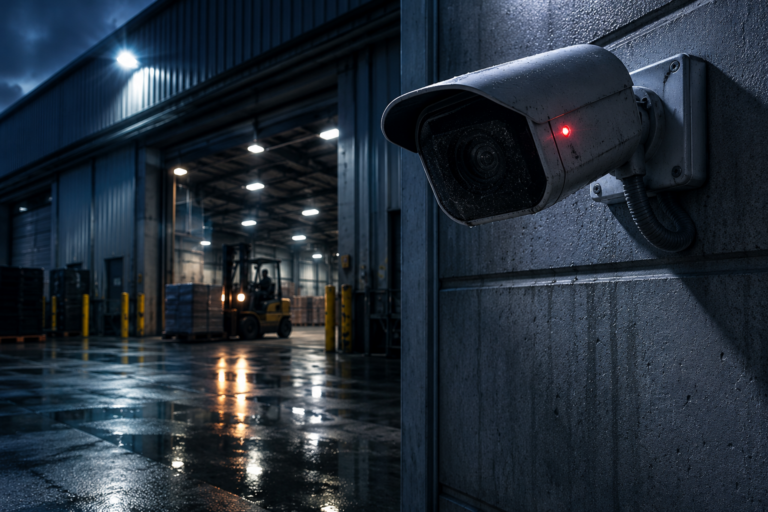
These are the highest risk spots for employees, especially at opening and closing. They are also areas customers rarely enter, so privacy concerns are low. As a result, this is where coverage should be strongest.
We cover this in detail in our post on why exterior cameras alone do not protect late-night employees.
Parking Lots and Entrances
Parking lots are where many employees feel least safe, especially after dark. They are also public-facing spaces where customers expect some coverage. Cameras here protect both groups at once.
The main privacy question is reach. A lot camera should cover your property, not the house or business across the street. In addition, good lighting and clear placement help deter incidents.
Restrooms, Changing Areas, and Break Rooms
Restrooms, locker rooms, and fitting rooms are off limits for cameras. People have a clear expectation of privacy there, and recording in those spaces can bring criminal and civil liability. If you have a safety concern near a restroom, cover the hallway outside instead.
Break rooms are a gray area. They are not private in the legal sense, but employees often treat them that way. Covering the entrance usually works better than a camera pointed at the table where people eat lunch.
Audio Recording
Audio is where many owners overreach. Alabama is a one-party consent state, but that rule applies to conversations you are part of. A camera that picks up customer conversations at a table or in an aisle raises real legal and trust concerns.
Voice-down audio is different. A live operator speaking through a camera speaker to warn off an intruder is a safety tool, not eavesdropping. For the legal detail, see our post on security camera laws for Alabama businesses.
Features That Identify Specific People
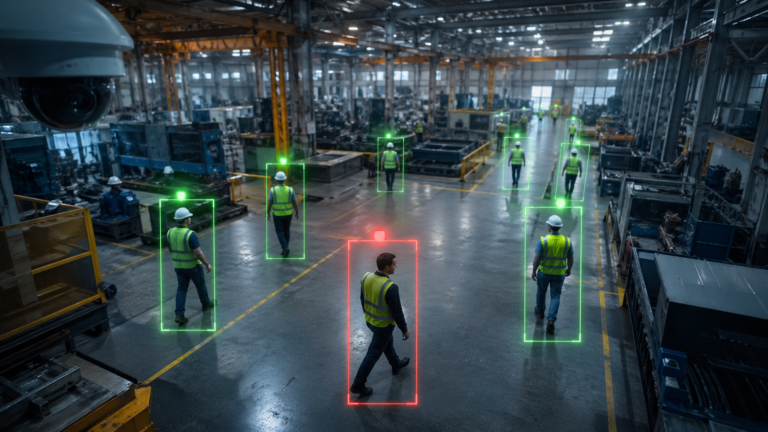
Many AI camera features detect events, not identities. A camera can flag a person crossing a line, a fall, or someone lingering after hours without knowing who that person is. These features protect staff without building a record of who shopped where. License plate reading and demographic analytics sit in between and deserve their own privacy review.
Features that identify specific people, like facial recognition, raise the biggest privacy questions. Treat them as a separate decision, with legal advice, rather than a default setting.
What Is Changing in Alabama
Two recent developments make this balance more important for Alabama businesses. First, Governor Kay Ivey signed the Alabama Personal Data Protection Act in April 2026. It takes effect May 1, 2027, and applies to businesses that control or process the personal data of more than 25,000 consumers. The law treats biometric data used to identify a specific person as sensitive data.
The law does not single out security cameras. Still, it signals that customer data is getting more attention, and identity features are where cameras and privacy law overlap most. Talk to your attorney about how it applies to your business.
Second, Birmingham police are encouraging businesses to link their outdoor cameras through Connect Birmingham, a voluntary program. Officials say the goal is to provide information during an incident, not to watch businesses continuously. Before you join, decide which cameras to share and tell your staff. Customer-facing areas deserve extra thought.
How to Design a System That Protects Both
A few design choices handle most of the tension between employee safety and customer privacy:
- Give every camera a written purpose. “Protect the closing manager at the back door” is a purpose. “Cover everything” is not.
- Aim at risk, not at people. Point cameras at doors, counters, and lots. Avoid angles that follow customers through the store.
- Post clear signs. Alabama has no blanket signage requirement, but signs build trust and deter crime at the same time.
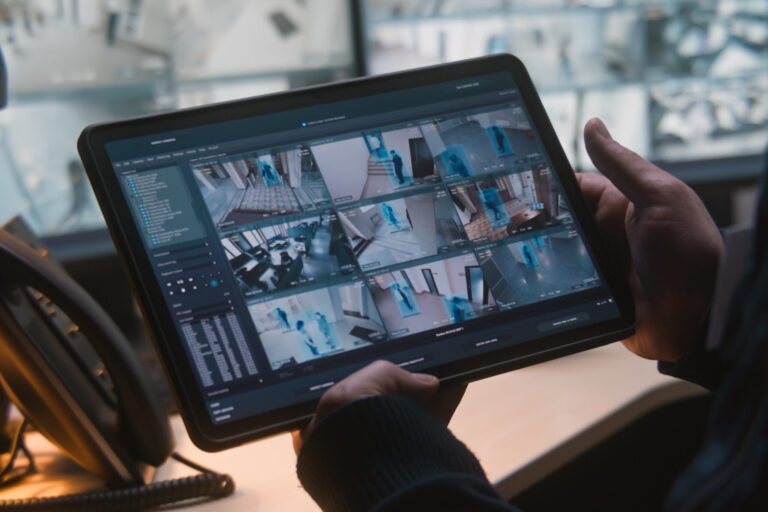
- Limit who can view footage. Managers may need live view, while only one or two people need to export clips.
- Keep footage only as long as you need it. Set a retention period that covers incident reviews and claims, then let older video roll off.
- Keep recordings in your building. Our systems analyze video on the camera and store it on site, with no cloud subscription. Your recordings stay under your control, and cameras can sit on their own isolated network.
Security of the system itself matters, too. A camera network that gets hacked turns a safety tool into a privacy breach. We explain how to prevent that in why your security cameras could be a cybersecurity risk.
Telling Employees and Customers What You Record
Transparency solves more privacy problems than any setting. For employees, put your camera policy in writing. Explain what the cameras cover, why, and who can see the footage. Most staff welcome cameras that protect them when they understand the cameras are not there to watch their every move.
For customers, signs at the entrance usually do the job. Some businesses also add a short note to their website privacy policy. Either way, the message is simple: cameras are here for safety, and you handle footage with care.
Finally, decide in advance how you will handle requests for footage. Police, insurers, attorneys, and sometimes customers will ask. A simple rule for who approves each request keeps you consistent and avoids sharing more than you need to.
Quick Checklist: Is Your System Balanced?
- Every camera has a clear safety or security purpose.
- No camera covers a restroom, changing area, or locker room.
- Audio is off in customer areas unless you have a specific, legal reason.
- Signs at every public entrance tell customers cameras are in use.
- Employees have a written camera policy.
- Only a few people can export footage.
- Footage rolls off after a set retention period.
Purpose, Not Coverage, Is What Keeps Cameras Trustworthy
Employee safety and customer privacy only compete when cameras go up without a plan. Put cameras where staff face real risk, keep them out of private spaces, and be careful with audio and identity features. Then post signs, write a policy, limit access, and keep recordings under your control. A system built that way protects your people and keeps the trust of the customers who walk through your door.
If you want a second opinion on where your cameras should and should not go, Vulcan will walk your property with you and design coverage that protects your staff without overreaching.
Frequently Asked Questions
Can I put cameras in customer areas of my business?
Generally, yes. Sales floors, dining rooms, entrances, and parking lots are common places to cover, while restrooms, changing areas, and other private spaces are not. Check with your attorney for your specific situation.
Should my security cameras record audio?
In most customer areas, no. Audio raises more legal and trust issues than video. Live audio through the camera speaker, used by a monitoring operator to warn off an intruder, is a different, safety-focused use.
Does the Alabama Personal Data Protection Act apply to my cameras?
It depends on your size and what your system collects. The law takes effect May 1, 2027, and covers businesses that process personal data of more than 25,000 consumers. Ask your attorney, especially if you use features that identify specific people.
Do I have to tell employees about workplace cameras?
It is a smart practice even when it is not required. A written policy explaining what you record and why builds trust. It also reduces disputes later.
How long should I keep security footage?
Long enough to cover incident reviews and typical claim windows, and no longer. Many businesses settle on a set number of weeks, with important clips saved separately.